For Mac, iPhone and iPad

Build your website with AI that runs on your Mac.

Pick a template, name a bot, and tell it what you want. Mux Bot's crew of robot animals builds your site or your book with local AI, and nothing changes until you tap Approve.

Coming soon to the App Store View the source

Free and open source, like darkmux, the engine underneath. For Apple silicon Macs.

Make the opening hours easier to find
Bakery site
Coder will put the hours in the header and repeat them in the footer.
ApproveCancel
Nothing runs until you approve it.

Meet the bots

A crew of robot animals at the controls

Every project gets its own bot with a name you choose. Each one wears a controller's headset and watches through glowing LED eyes. Mux Bot, the octopus, leads the crew with an arm in every job.

Fourteen animals, any color you like. Tap one to try a new look.

You can tell how it's going from across the room

Bots show what they are doing with their eyes and the light on their headset, so you never have to read a status line. Red means a bot is waiting for you.

What it does

Say what you want. Approve it. See it live.

Local AI, on the Mac you already own

The models that write your pages run on your own Apple silicon Mac through darkmux. The app is free, the engine is free, and there is no subscription and no meter running. Your project lives on your Mac.

Only bots act, and only after Approve

A bot tells you what it plans to do on a card. You approve it or cancel it. Everything else in the app is there to read.

Live preview beside the chat

Your site runs next to the conversation and refreshes when a bot finishes, on the Mac's window or full screen on iPhone and iPad.

Point, don't describe

Click anything in the preview and choose Chat about this. Your bot knows exactly which heading, button or picture you mean.

One tap to undo

Every finished run is saved as a checkpoint. If you don't like a change, Undo takes it back, or just reply to adjust it.

Bots measure, they don't guess

Tell a bot something looks cut off and it measures the page to find out. After a fix it measures again and tells you whether it worked.

No Terminal, ever

The app never asks you to type a command. When something needs setting up it says so in plain words and gives you a button or a guide.

Backed up to GitHub, if you want

Mux Bot can keep each project in a private repo in your own account and open a pull request when you're ready. Or keep it all on your Mac.
Templates

Start with something that already looks good

The website template comes in ten designs. Choose one to begin with and ask your bot to switch whenever you like. Your words and pictures stay put.

Also new

Write a book

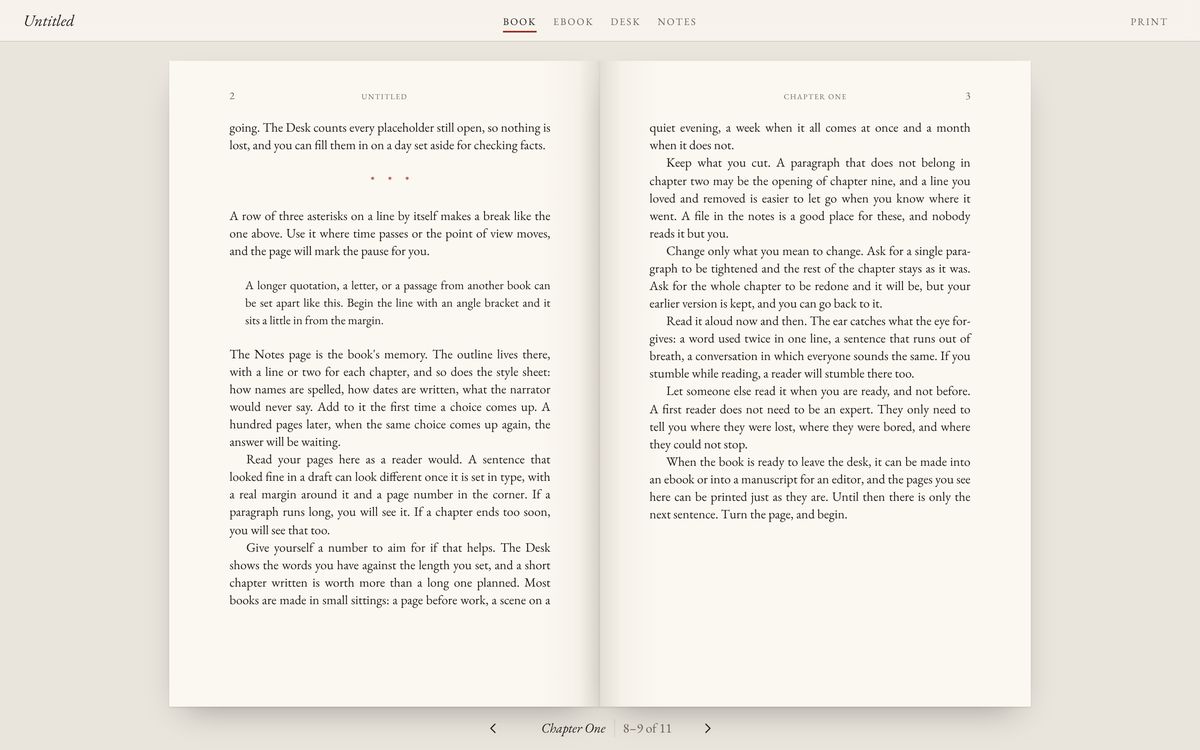
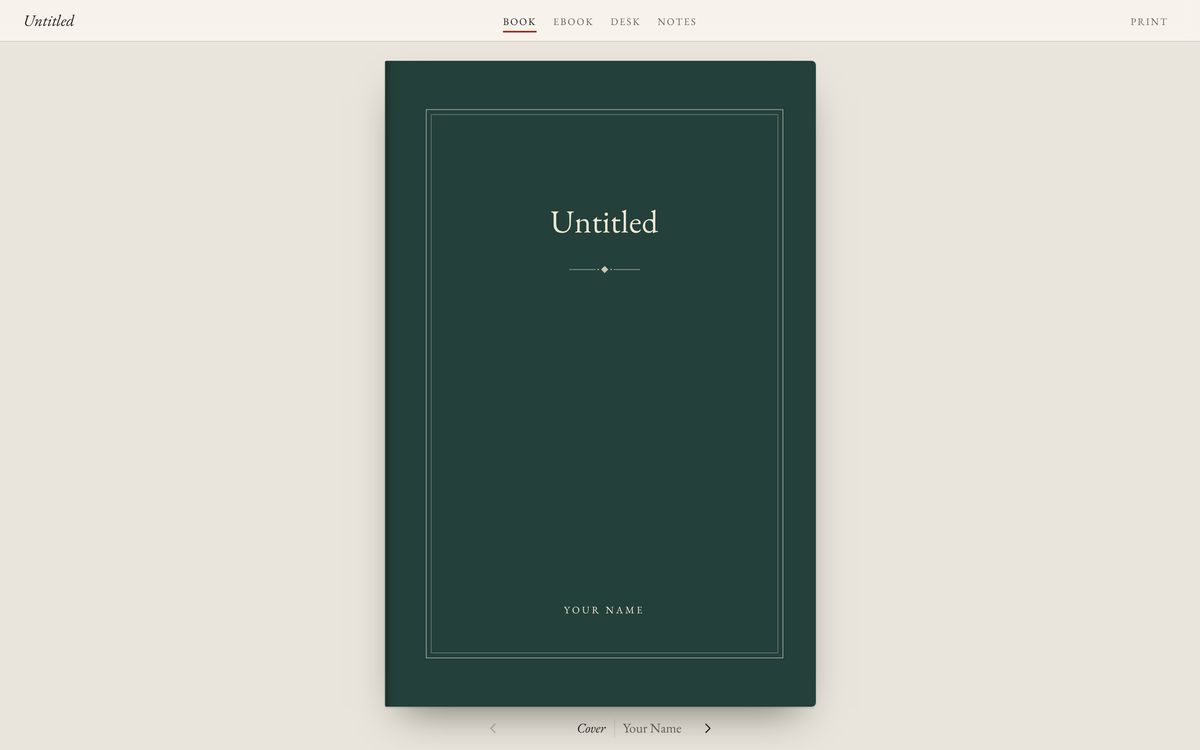
The book template turns a folder of chapters into a real paged book with a cover, facing pages and proper type. A desk view keeps count of your words and the notes page remembers your outline and style choices.

Ask your bot to tighten a paragraph or redraft a chapter. Your earlier version is always kept.

The book template showing two facing pages The book template's cover

The engine underneath

Powered by darkmux

darkmux is the free, open-source engine that runs AI models on your Mac. It picks the right model for each job, starts it when a bot needs it and keeps your Mac's memory in check. Mux Bot is the friendly face on top.

New in darkmux 5.10

Works with Tensorfold and Flint as well as LM Studio, and starts their models for you when a run needs one.

Free and open source, all of it

Mux Bot, darkmux and the templates are open for anyone to read, use and improve.

Want the details?

darkmux.com is the home for the technical side: the command line, missions and the lab.

How it works

Three steps to a first version

Pick what to make

Mux Bot asks "What do you want to get done?" Choose a website, a book, or a project you already have.

Answer a few questions

Give it a name, say what it's for and how it should feel. A new bot shows up with its own look and a first plan.

Approve, look, reply

Tap Approve and watch the preview. Then keep talking: every message is a change you can see and undo.

What you need

An Apple silicon Mac with darkmux set up on it. Mux Bot checks your setup and walks you through anything that's missing. Runs start from the Mac app; your bots and conversations sync to iPhone and iPad through iCloud.

Mux Bot is almost ready

The app is in its final testing before the App Store. It is MIT licensed, so you can read the code and build it yourself today.

Mux Bot on GitHub